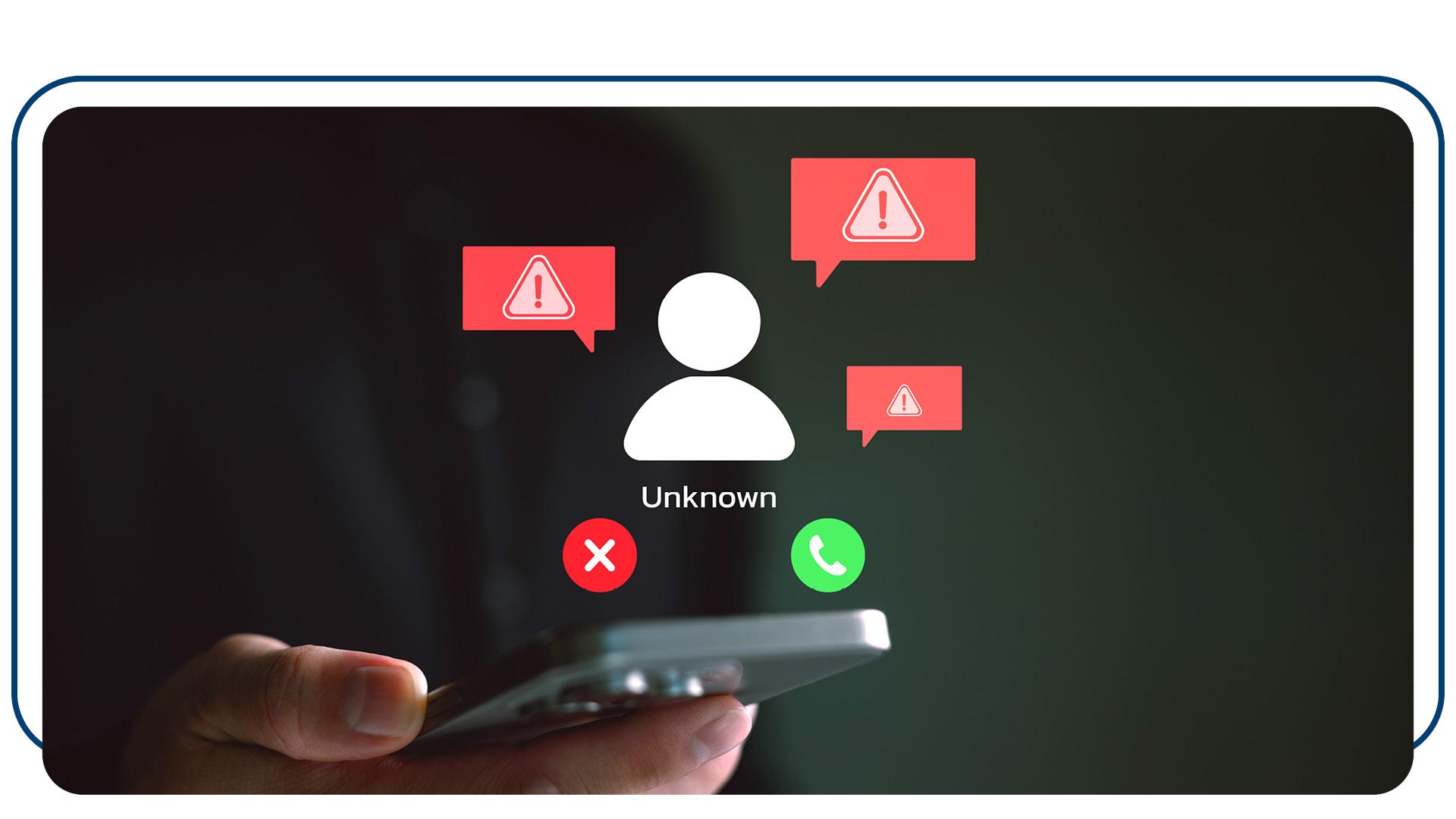
Our Commitment to Your Security
OECU will never ask for online banking credentials or PINs. Any request for such information is a clear indicator of a scam.
How to Secure Your Account
To protect yourself, follow these steps:
- Hang up or delete suspicious messages: If you receive an unsolicited call or text, do not provide any information. Contact OECU directly using a trusted number.
- Enable account alerts: Set up real-time alerts through OECU’s mobile app to monitor account activity.
- Use strong, unique passwords: Avoid reusing passwords across multiple accounts. Update them regularly and use a password manager if needed.
- Enable two-factor authentication (2FA): Add an extra layer of protection to your accounts with 2FA wherever possible. This is required on OECU’s mobile banking app and should already be in place.
Logging In Safely
When accessing your OECU’s online banking or mobile app, always ensure the platform is legitimate:
-
-
- Verify the URL: Look for “https://” at the start of the URL and confirm the site matches OECU’s official website (https://oecu.com).
- Use official apps: Download apps only from trusted sources like the Apple App Store or Google Play Store. Avoid clicking on links in unsolicited messages to download apps or log in.
- Be cautious of lookalike sites: Scammers often create fake websites that appear nearly identical to legitimate ones. Double-check the web address before entering credentials.
Your Vigilance is Key
As scams grow more sophisticated, staying informed is your best defense. Protect your personal and financial information, and remember: when in doubt, reach out to OECU directly. Together, we can safeguard your accounts and your peace of mind. By understanding these threats and adopting secure practices, you can outsmart scammers and keep your accounts safe. Stay vigilant, stay secure.
Learn more about common internet scams here.